BlazePDF
BlazePDF is an offline desktop PDF workspace for students that pairs keyboard-driven annotation with page editing, persistent editable metadata, manual-duplex printing guidance, and poster tiling for oversized diagrams.
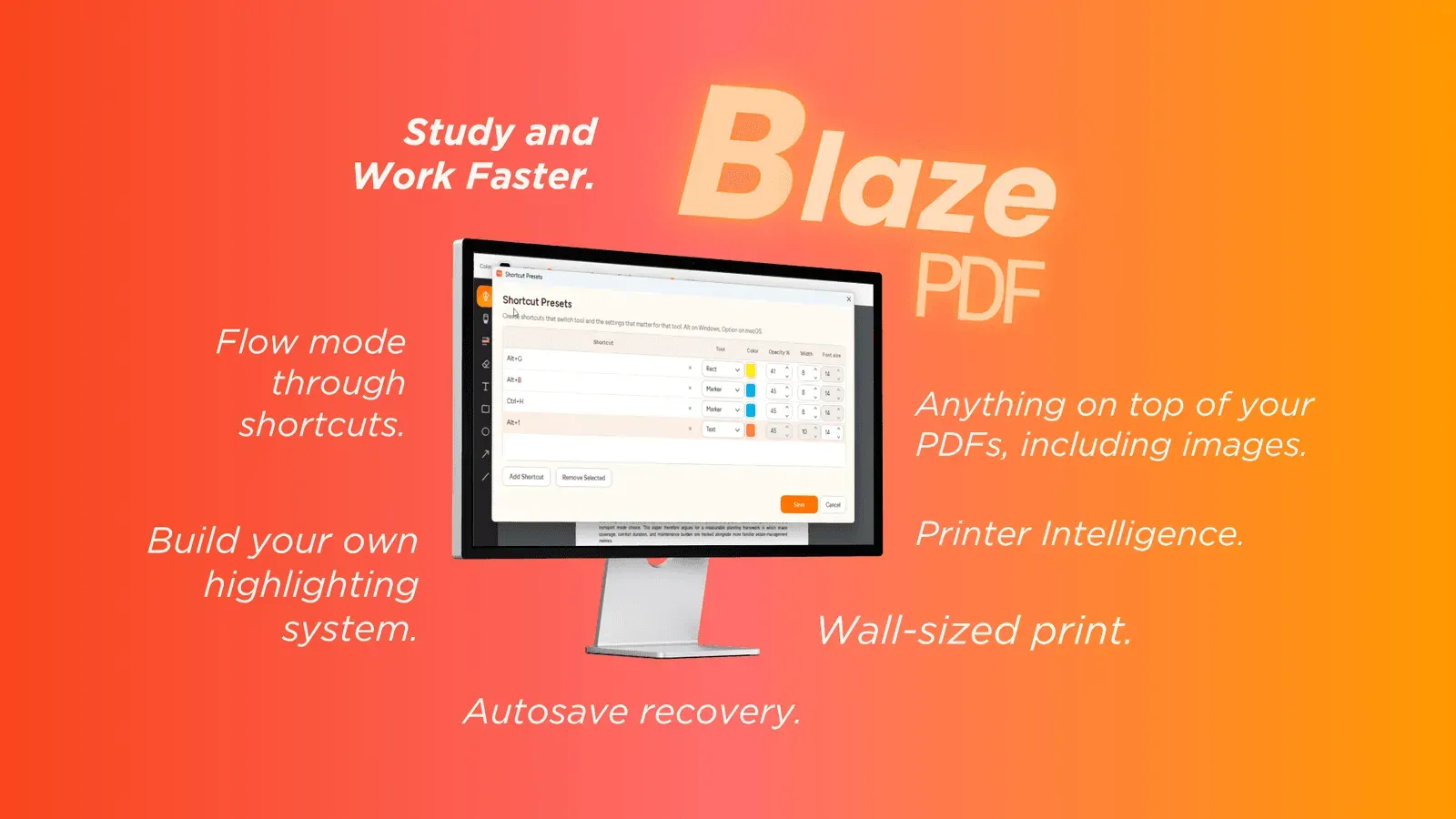
About BlazePDF
Overview
BlazePDF is an offline desktop PDF reader and annotation workspace built specifically for academic study. It consolidates lecture slides, readings, textbook chapters, research papers, and past papers into one application, pairing a keyboard-driven markup layer with page-level document tools so students avoid jumping between separate utilities.
Core Capabilities
- Flow Mode provides keyboard-first annotation, keeping markup off the toolbar.
- Annotation toolset covers pen and marker strokes, word-aware highlights, text boxes, shapes, arrows, lines, imported images, erasing, undo, and redo.
- Tool presets restore a saved color, width, and opacity combination through a single shortcut.
- Page tools insert blank pages, import images, reorder pages, and export a visible PDF.
- Search returns readers to flagged passages, while editable BlazePDF metadata keeps annotations adjustable on reopen.
Printing Workflows
Smart Duplex prepares two-sided output for printers requiring a manual second pass and explains paper reloading. Poster Enlargement splits an oversized diagram or page into tiled sheets with an assembly preview.
Privacy Model
Opening, reading, annotating, searching native PDF text, and exporting execute locally. Account and AI OCR functions are opt-in and separate; document content is not used to train generalized AI models.
Who It Serves
The reader targets students and ships with no account requirement for the desktop app.
Pros
- Flow Mode drives annotation entirely from the keyboard, so highlighting and markup no longer require repeated trips to a toolbar.
- Tool presets restore a saved color, width, and opacity combination with one shortcut, cutting repetitive setup during long reading sessions.
- Opening, reading, annotating, searching native text, and exporting run locally with no account, making the reader usable offline.
- Smart Duplex and Poster Enlargement address printer limitations students routinely hit, and both show a plan before the job is sent.
- BlazePDF writes its own editable metadata, so annotations stay changeable when a document is reopened later.
Cons
- Distribution is desktop-only, leaving no browser or mobile reader for quick access on a tablet or phone.
- The keyboard-centric Flow Mode carries a learning curve for users accustomed to mouse-driven annotation.
- AI OCR and account-based features sit outside the local workflow, so their terms and availability differ from the core reader.