ExcelForAll
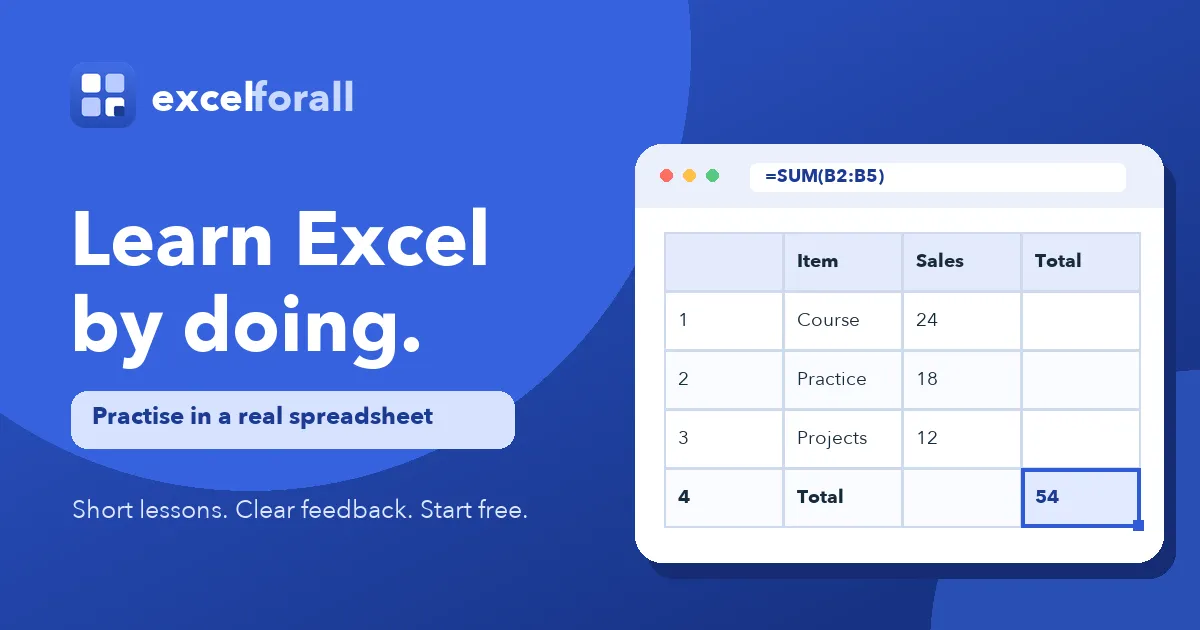
ExcelForAll runs 84 formula-graded spreadsheet exercises inside a browser grid, covering cells, SUM, IF, lookups and charts for self-paced Excel practice.
About ExcelForAll
Overview
ExcelForAll pairs a live browser spreadsheet engine with 84 graded exercises organised into 17 course parts. Coverage runs from clicking a first cell through SUM and AVERAGE, IF logic, COUNTIF/SUMIF, text functions, lookups, charts, pivot tables and practical challenges — roughly seven hours of hands-on work.
Grading mechanics
Answer checking reads the formula inside the target cell rather than the displayed result, so a hand-typed total fails a SUM task while a correct range reference passes. Each common error maps to an explanation written in advance, and hints are released one at a time. Individual tasks take two to eight minutes.
Access model
Nineteen exercises open without an account; a free account lifts that to 46 of 84 and syncs progress across devices. Sections from lookups onward require a paid plan, with pricing not stated on the homepage. A completion certificate carrying a public verification link is included at no separate fee.
Compatibility
Formulas, ranges and functions mirror Microsoft Excel and largely transfer to Google Sheets and Apple Numbers. Formula typing and shortcuts are better suited to a physical keyboard than a touchscreen.
Pros
- Grading parses the formula itself, so method errors like a missing row in a SUM range are identified instead of silently accepted.
- Feedback for likely mistakes is authored in advance by a person rather than generated at runtime with a disclaimer.
- The entry point assumes no spreadsheet background, with the first formula supplied in full before independent writing is expected.
- Progress persists to an account across machines and ends with a publicly verifiable certificate at no extra charge.
- Every exercise and course part has a direct URL, letting learners jump straight to a specific skill such as VLOOKUP.
Cons
- Only 46 of 84 exercises are free; lookups, charts and later parts sit behind a paid tier whose pricing is not shown on the homepage.
- The site concedes that exercises are weaker on phones, since much of the learning is typing formulas and using keyboard shortcuts.
- The certificate records practice completed on the platform and is neither accredited nor issued by Microsoft, which may limit its weight with employers.